

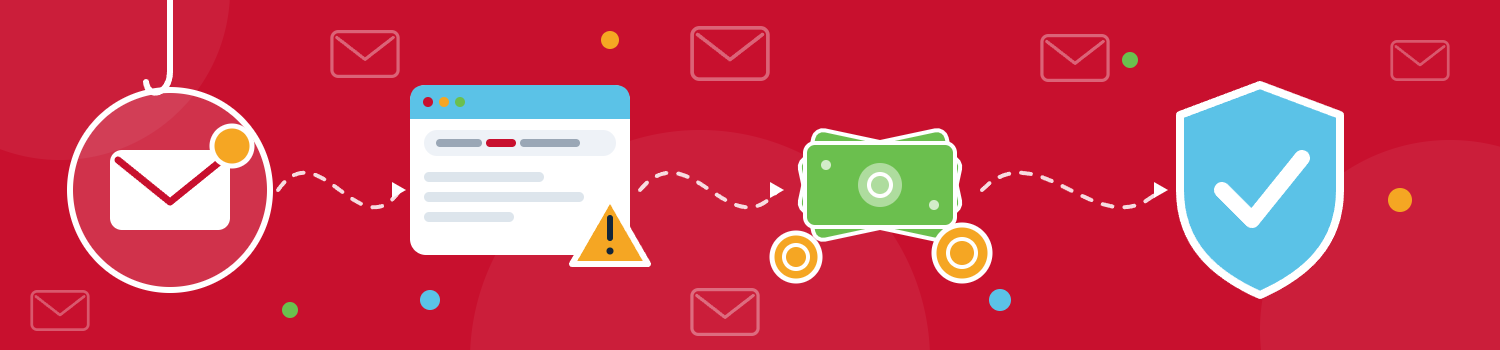
Most people picture a cyberattack as something loud: a locked screen, a ransom note, a virus. Business email compromise (BEC) is the opposite. It's quiet, it looks routine, and it usually starts with a single believable email.
How it works
In a BEC attack, a criminal poses as someone you already trust and asks for something that seems ordinary. The common versions are:
The vendor "update." An email that appears to come from a supplier says their banking details have changed. The next payment goes to the scammer.
The urgent executive request. Someone posing as the owner or CEO asks the finance team for a quick wire transfer.
The gift card favor. A "boss" asks an assistant to buy gift cards and keep it quiet. Gift cards are easy to turn into untraceable cash.
Money isn't always the goal. Some attackers want employee records or company data to sell or to use in a later attack.
Why it's hard to spot
These aren't mass-mailed spam. Attackers research their targets, studying your website, your social media, and your travel. They may wait until you're at a conference, when a rushed request seems believable. Some now use AI-generated voices or fake video meetings to impersonate executives, so a familiar voice is no longer proof of identity.
Not every attack is an impersonation. Some come from a real mailbox that has been hijacked, such as a vendor's, so the email can pass every technical check. In those cases, the only reliable safeguard is confirming the request another way.
What to do about it
Verify payment requests a second way. Any request to move money or change bank details should be confirmed by phone, using a number you already have on file. Never use the contact details in the request itself.
Require two approvals. Have two people sign off on any new payee or change to bank details. One person alone shouldn't be able to redirect money.
Teach the red flags. These include:
a sender address that's slightly off (such as a zero in place of an "o")
a display name that doesn't match the actual email address
a reply-to address that differs from the sender's
links that don't lead where they claim (hover before you click)
urgency, secrecy, or odd timing, like late nights and holidays
a sudden change in payment or direct deposit details
Make it safe to ask questions. Employees often comply with an executive's request because they don't want to question it. Make it clear that double-checking a money request is expected, and no one will be penalized for it.
Lock down your domain. Three email authentication standards work together to make it harder for criminals to send mail that appears to come from your exact domain:
SPF specifies which servers may send mail for your domain.
DKIM adds a signature that shows a message wasn't altered in transit.
DMARC tells receiving servers what to do with mail that fails those checks.
They won't catch lookalike domains or a hijacked account, so they work alongside the other steps here, not instead of them.
Turn on multi-factor authentication. If a password is stolen, MFA can stop the attacker from getting in.
Train regularly. Short, recurring awareness sessions and phishing simulations work better than a one-time lecture. Give extra attention to executives and finance staff, who are the most likely targets.
If it happens to you
Speed matters. Take these steps:
Call your bank right away to ask about reversing or recalling the transfer. The sooner you contact them, the better your chances of recovering the funds.
Have your IT team secure affected accounts and reset passwords. Ask them to check for mailbox forwarding rules, which attackers often leave behind to keep watching the account.
Preserve the evidence. Don't delete the emails. Keep them for investigators.
Notify your cyber insurance carrier promptly.
File a report with the FBI's Internet Crime Complaint Center (ic3.gov), with as much detail as you can.
BEC succeeds by exploiting trust and urgency, not technical weaknesses. A simple verification habit, backed by the right safeguards, makes these attempts far less likely to succeed.
Not sure whether your domain is protected? Orbis can run a quick check of your email security settings. Get in touch to set one up.