

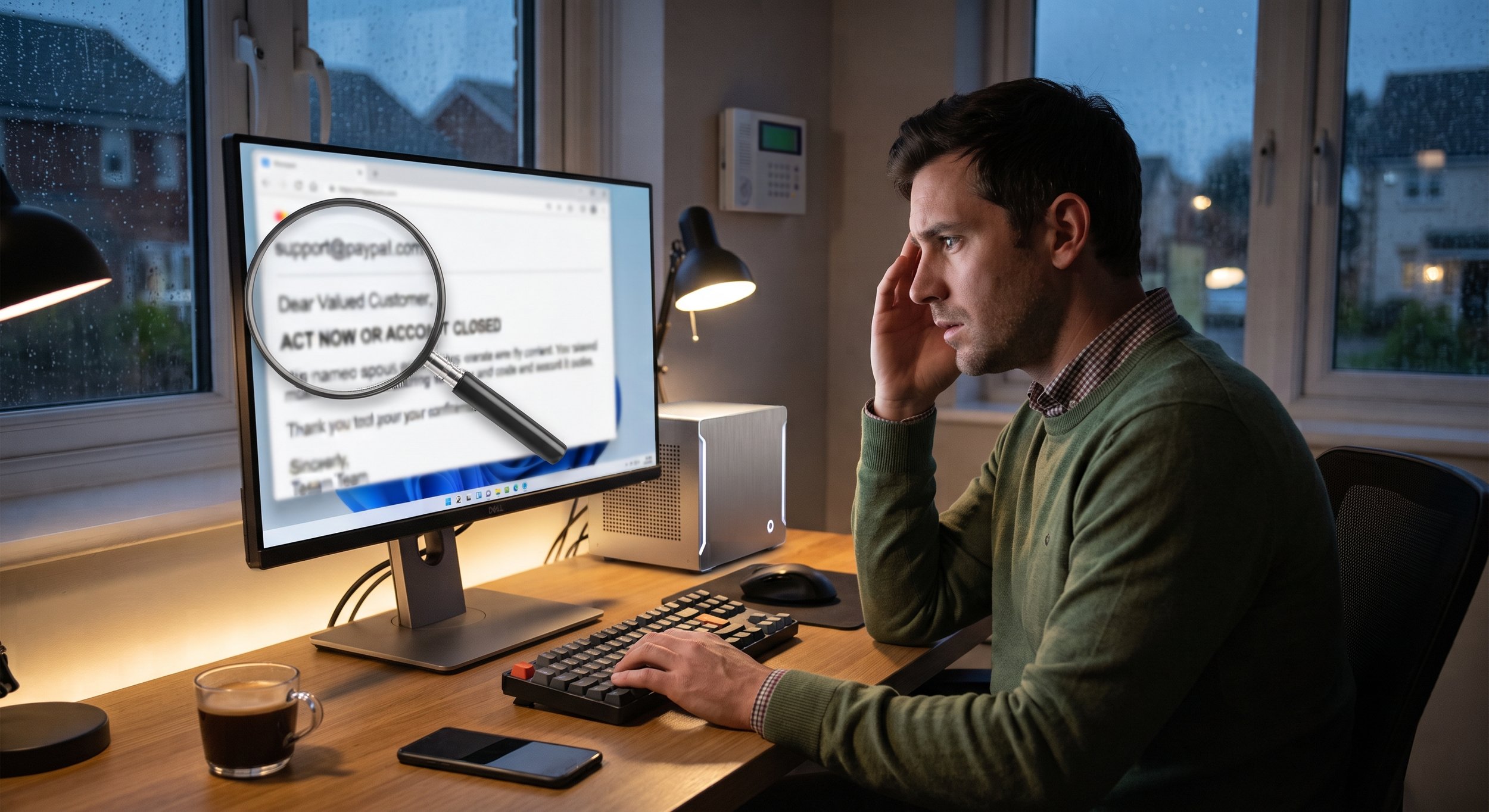
Every day, fake emails land in inboxes, all dressed up to look like they came from someone you trust: your bank, a vendor, a delivery company, even your own boss. These are often called "phishing" emails, because the sender is fishing for your passwords, your money, or access to your company's computers.
The good news is that you don't need to be a tech expert to spot them. This checklist is written for everyone on the team. Keep it handy, and run through it any time an email feels even a little off.
The Checklist
☐ Do you recognize the sender's actual email address? Don't just look at the name. Look at the address it came from. A message from "Your Bank" sent from a random or misspelled address is a red flag.
☐ Were you expecting this email? An invoice you didn't ask for, a shared file you weren't expecting, or a "package delivery" you don't remember ordering all deserve a second look.
☐ Is it trying to rush or scare you? Phrases like "act now," "your account will be closed," or "final notice" are designed to make you react before you think. Real companies rarely give you minutes to respond.
☐ Is it asking for something unusual? Requests to buy gift cards, change bank details, send a password, or pay an invoice immediately should always be double-checked, especially if the email seems to come from someone you know.
☐ Does the greeting feel generic? "Dear Customer" or "Hello User" from a company that normally uses your name can be a sign the email was sent to thousands of people at once.
☐ Where does the link really go? On a computer, rest your mouse over a link (without clicking) to see where it actually leads. If the address looks strange or doesn't match the company, don't click.
☐ Is there an attachment you didn't ask for? Unexpected attachments, especially ones urging you to "enable content" or open a file to view a message, are a common trap.
☐ Does it ask you to sign in? Be very careful with any email that sends you to a login page. When in doubt, go to the website yourself by typing the address you know, rather than using the link.
☐ Does something just feel off? Odd wording, strange spelling, a logo that looks slightly wrong, or a tone that doesn't sound like the person who supposedly sent it are all worth trusting. Your gut is often right.
What to Do If an Email Fails the Check
Don't click, don't reply, and don't open attachments.
Check with the sender another way. Call them at a number you already know, or ask them in person. Don't use the contact details in the suspicious email.
Report it. Let your manager or IT provider know so they can warn others and block similar messages.
What If You Already Clicked?
It happens to careful people too. The most important thing is to speak up right away. Tell your manager or IT provider what happened, even if you're not sure it was a problem. Acting quickly can make a huge difference, and no one should feel embarrassed about raising a hand.
When in Doubt, Ask
There's no such thing as a silly question when it comes to a suspicious email. It's always better to check and find out it was real than to guess and find out it wasn't.